
Sagar Club OTP Not Received
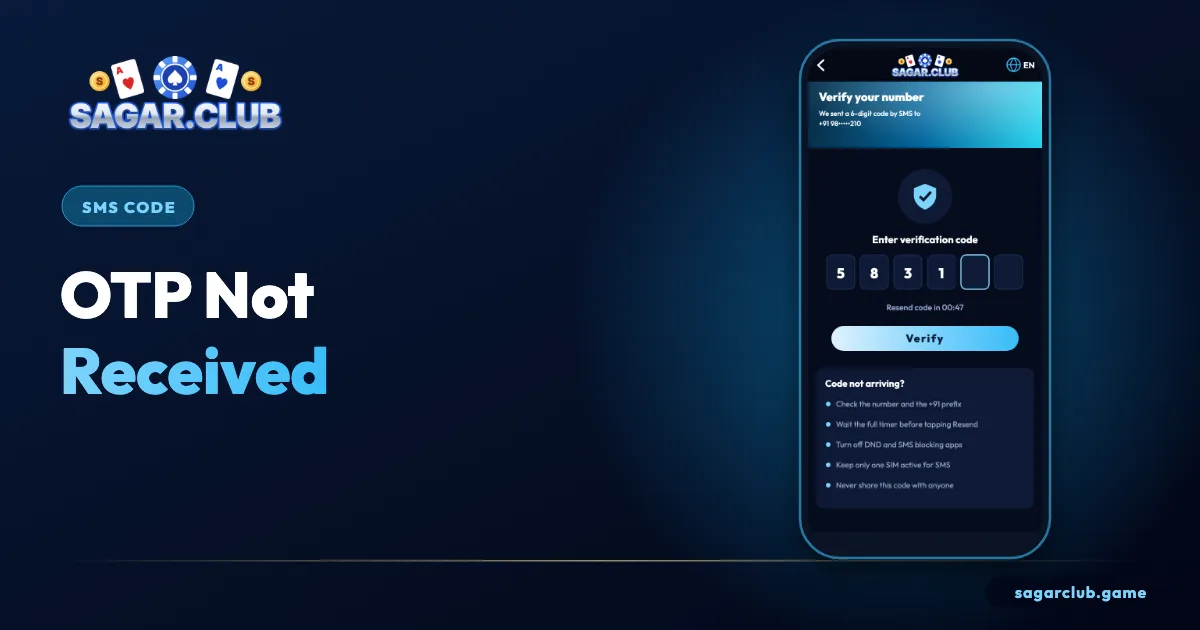
The 6-digit SMS code appears when you register or reset your password. If it’s missing, the cause is almost always the phone – work down this list.
Sagar Club 2026 · Adults 18+ only · Updated October 2026
Quick answer
Check the number, wait for the timer, look in spam or blocked messages, allow service SMS in DND, and make sure the registered SIM is active. After several requests, wait 30 minutes.
On this page
— SCREEN
Entering the code
Three numbered areas.
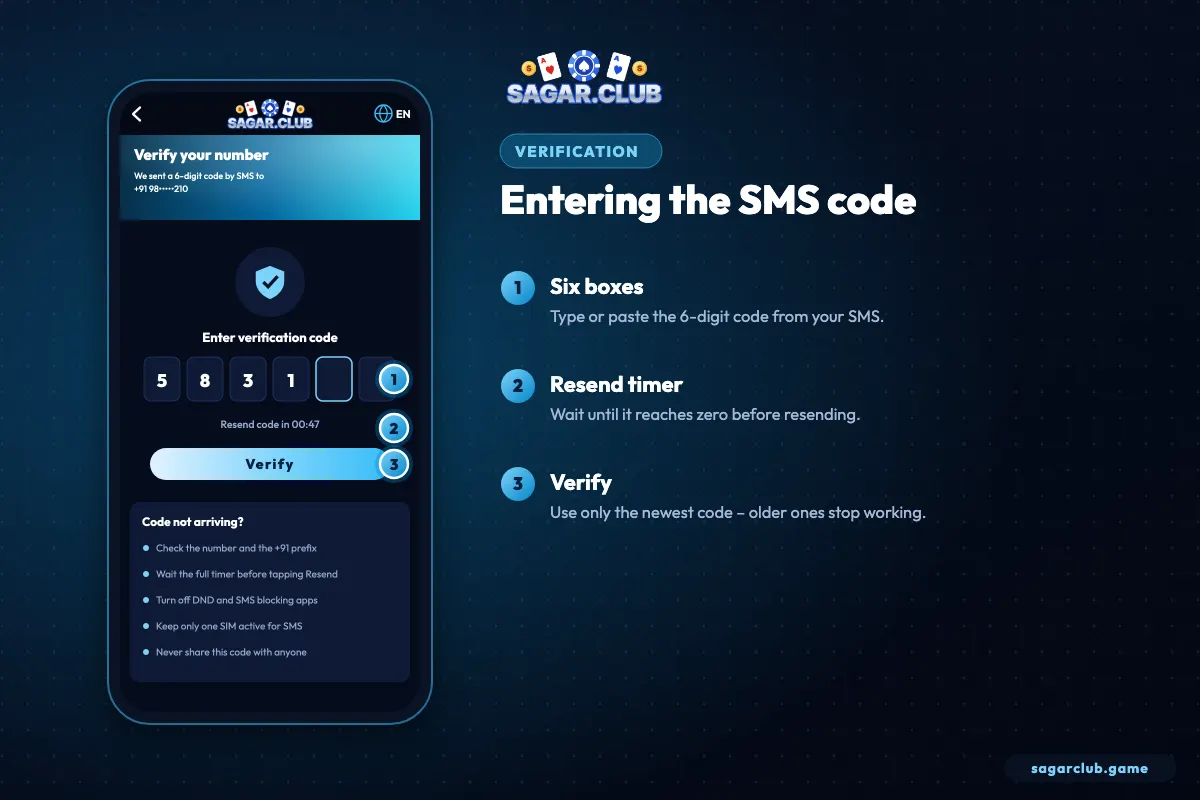
- Six boxes – type or paste the code.
- Resend timer – wait for zero.
- Verify – use only the newest code.
— FIXES
Fixes, most common first
Stop as soon as one works.
- Ten digits, no zero, no +91 typed manually.
- Wait the full timer before Resend.
- Spam / blocked folder in Messages.
- DND: allow service messages.
- Dual SIM: registered SIM switched on.
- Signal: move near a window; restart.
- Storage: free a little space.
- Too many requests: wait 30 minutes.
— SAFETY
Never share the code
The rule that protects your account.
Sagar Club staff never ask for your OTP. Anyone who does is trying to take over your account.
— DND
Do Not Disturb and service SMS
The hidden cause on many Indian numbers.
India’s DND registry lets you block promotional messages, and some phones also filter unknown senders. OTPs are transactional messages and should still arrive, but aggressive settings on some handsets put them in a ‘spam’ or ‘promotions’ tab. Open your Messages app, check every folder, and mark the sender as ‘not spam’ if you find it there.
— ABROAD
Travelling or roaming
Codes may be delayed.
If you’re outside India, SMS delivery depends on roaming. Turn roaming on for SMS, restart the phone and wait a few minutes. If codes still don’t arrive, wait until you’re back on your home network – or use email login if you bound an email earlier.
— OPERATORS
Network operators and SMS delays
Why timing varies.
SMS codes travel through your mobile operator’s network, and delivery speed depends on network load and signal. Most codes arrive within seconds, but at busy times – festival evenings, cricket matches, network maintenance – some take a minute or two. If you’ve just requested a code, give it the full timer before asking for another. Moving closer to a window or stepping outside can make a surprising difference indoors.
If you recently ported your number to a new operator, SMS from some senders may be delayed for a day or two while the change settles.
— PHONE SETTINGS
Phone settings that hide codes
Check these once.
Several phone features can quietly hide OTP messages. Spam filters in the Messages app may move them to a separate folder. ‘Block unknown senders’ options can stop them entirely. Some battery savers delay background messages. Dual-SIM phones may route SMS to the SIM that isn’t registered. Open each setting once, allow messages from service senders, and make sure the registered SIM is active and set to receive SMS.
If you use a third-party SMS app, try the phone’s default Messages app instead – some third-party apps filter aggressively.
— SAFETY
Codes you didn’t request
A warning sign.
If a Sagar Club code arrives when you didn’t ask for one, someone may be trying to reset your password. Don’t share it with anyone, ignore any call or message asking for it, and consider changing your password from inside the app as a precaution.
— RECAP
OTP not received – the checklist
Work through it in order.
Check that you typed exactly ten digits with no zero or +91. Wait for the full resend timer before asking again. Look in spam, promotions and blocked folders. Allow service and transactional SMS in your DND settings. On dual-SIM phones, make sure the registered SIM is active and set to receive messages. Improve your signal by moving near a window, and restart the phone. Free a little storage if it’s almost full. If you’ve asked for several codes, wait thirty minutes, then request just one. Only the newest code ever works – and never, under any circumstances, share it with anyone.
Open Sagar Club the right way
Use the official app or website – one Sagar Club account works on every device.
— FAQ
Frequently asked questions
How long is the code valid?
A few minutes.
Does login need an OTP?
No.
Does Sagar Club send OTPs by WhatsApp?
Codes arrive by SMS. Treat any code offered through a chat app with suspicion.
Why did I get two codes?
You requested twice. Only the newest one works.