
Sagar Club Invite Code
An invite code links a new account to the friend who invited them. It’s optional – and only works at registration.
Sagar Club 2026 · Adults 18+ only · Updated October 2026
Quick answer
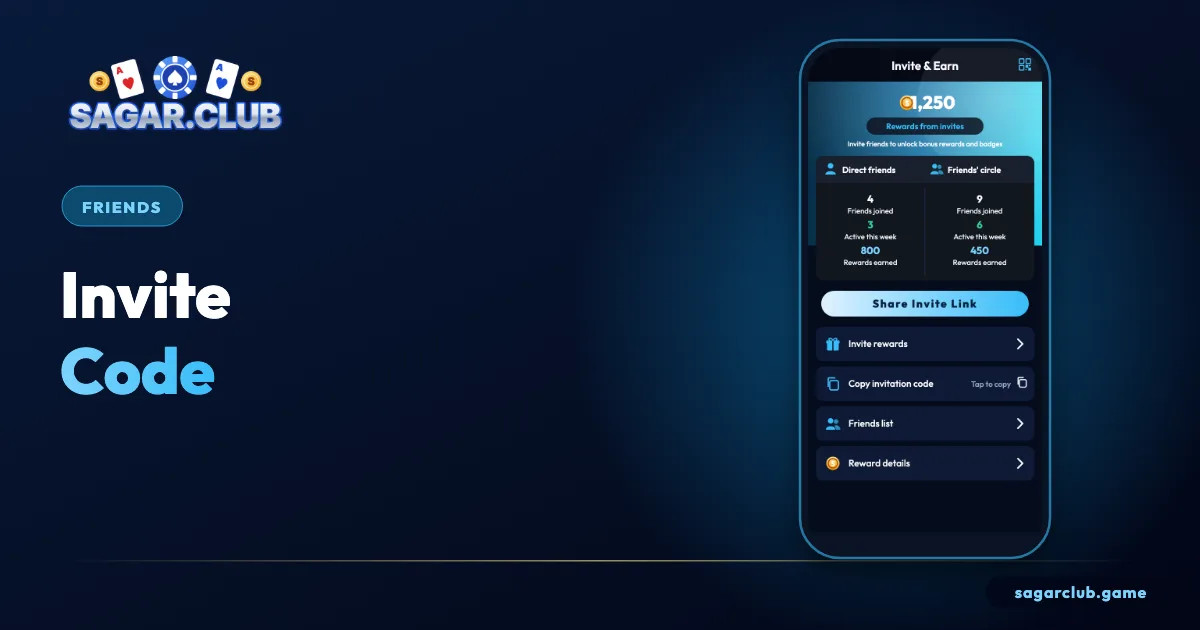
Your invite code is under Account → Invite. A friend can type it in the invite box when registering. It can’t be added after the account exists.
On this page
— SCREEN
The invite page, marked up
Three areas.
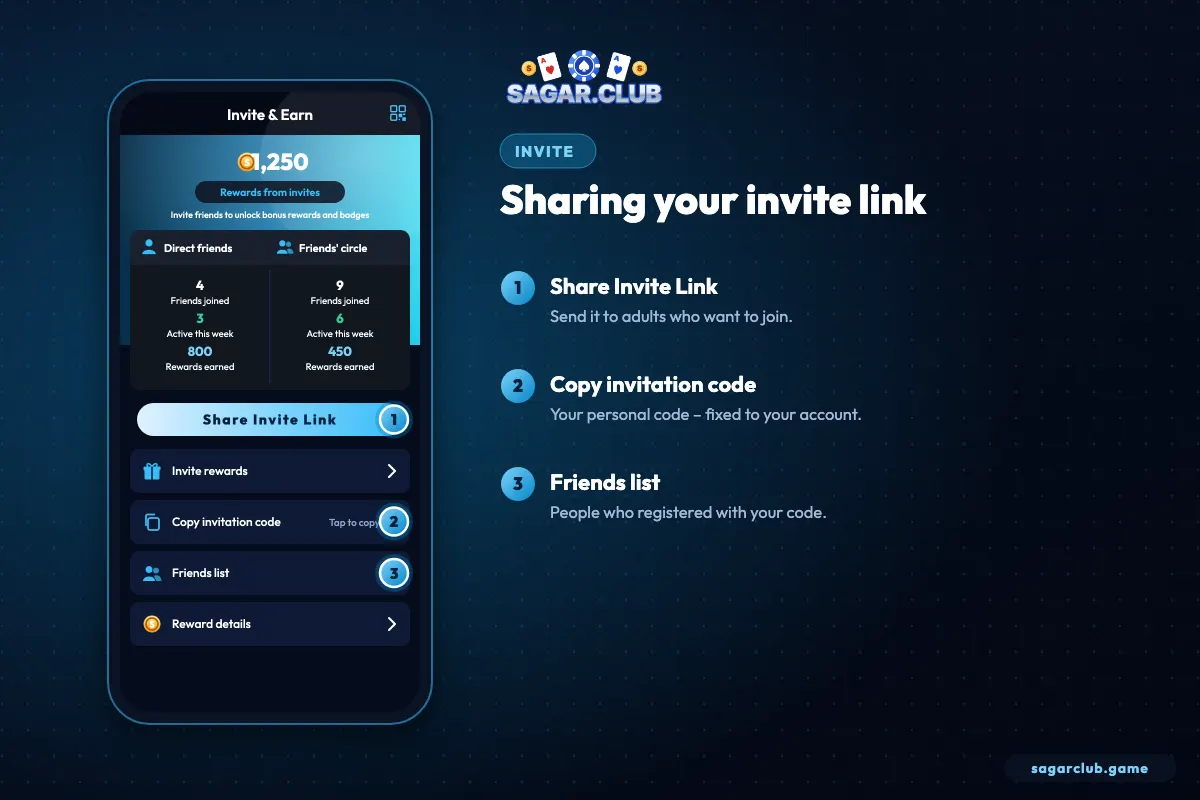
- Your personal code.
- Copy and share buttons.
- Rules for invitations.
— RULES
Invite rules
Keep it simple and honest.
- Only invite adults who want to join.
- Never invite yourself with a second account.
- Don’t post your code in spam comments.
- Codes can only be added at sign-up.
— SHARING
Sharing your code responsibly
Only with adults who want to join.
Share your code only with adults you know who’ve decided for themselves to try Sagar Club. Posting codes in comment sections or pressuring friends isn’t just unpleasant – it can break the app’s rules. And never create extra accounts with your own code; duplicate accounts are detected and reviewed.
— HOW IT LINKS
How an invite links two accounts
Only at sign-up.
When a new player types an invite code during registration, their account is permanently linked to the account that owns the code. The link is created only at that moment – it can’t be added, changed or removed afterwards. If you forget to enter a friend’s code when registering, that’s the end of it; creating a second account to fix it breaks the one-account rule and can get both accounts reviewed.
Your own code lives under Account → Invite, along with buttons to copy it or share a link.
— HONESTY
Inviting honestly
No pressure, no promises.
If you share your code, be straightforward about what Sagar Club is: a game app for adults, played for entertainment. Never describe it as a source of income, never pressure someone who’s hesitant, and never invite anyone under 18. Many people dislike being repeatedly sent invite links; one honest message is plenty. The best invitations are to people who’ve already said they’re interested.
— SCAMS
Invite-code scams
Watch for these.
Some groups post ‘special’ invite codes claiming they unlock bonuses or better results. Invite codes don’t change how any game works. Others ask you to register through their code and then send them your login ‘to activate’ it. Never share your login with anyone, for any reason.
— RECAP
Invite codes – recap
Optional and honest.
Your invite code is under Account → Invite, with buttons to copy or share it. A new player can enter it only while registering; it can’t be added later, and creating a second account to use a code breaks the one-account rule. Share your code only with adults who have decided for themselves to try Sagar Club, describe the app honestly as entertainment and never pressure anyone. Invite codes don’t change how games work, and anyone asking for your login to ‘activate’ a code is a scammer. If nobody gave you a code, simply leave the box empty.
Open Sagar Club the right way
Use the official app or website – one Sagar Club account works on every device.
— FAQ
Frequently asked questions
Is an invite code required?
No.
Can I add one later?
No – only during registration.
Where do I type a friend’s invite code?
In the optional invite box on the register screen, before you tap Register. It can’t be added after the account is created.
Can I change the invite code linked to my account?
No. The link is fixed at registration and can’t be changed or removed afterwards.