
Sagar Club OTP Problems Solved
Missing SMS codes are the single most common sign-up complaint. Nearly always, the fix is on the phone – here’s how to find it fast.
Sagar Club 2026 · Adults 18+ only · Updated October 2026
Quick answer
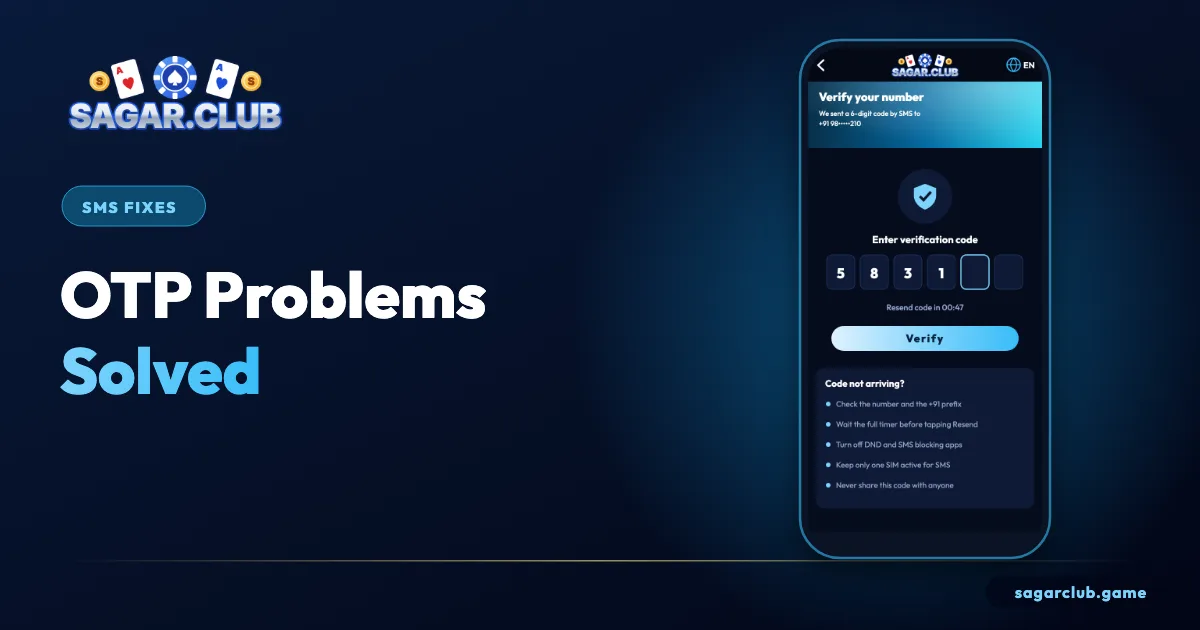
Check the number, wait for the timer, look in spam, allow service SMS in DND, confirm the right SIM is active, then wait 30 minutes if you’ve requested several codes.
On this page
— WHY
Why codes go missing
The real causes.
SMS codes travel through the same network as every other text message. They get delayed by weak signal, filtered by spam protection, blocked by Do Not Disturb settings on some operators, or sent to a SIM that’s switched off in a dual-SIM phone. Occasionally the number itself is mistyped, and the code goes nowhere.
— FIX
The fix order
Most common first.
- Retype the number – ten digits.
- Wait the full timer.
- Check spam and blocked messages.
- DND: allow service/transactional SMS.
- Dual SIM: correct SIM on.
- Restart; move to better signal.
- Wait 30 minutes after several requests.
— SAFETY
One rule
Always.
Never read a code out to anyone – including someone claiming to be support.
Bind an email to avoid this next time
A second route in.
Once you’re in, bind an email in your profile. If SMS ever fails again, you’ll still be able to log in with email and your password while you sort out the phone side.
— STORIES
Three common OTP situations
And how they were solved.
A reader in a small town couldn’t get codes indoors; standing near a window brought the SMS within seconds. Another had two SIMs and had registered with the second one, while the phone’s default SMS SIM was the first – switching the default fixed it. A third had tapped Resend six times in two minutes and hit the request limit; waiting thirty minutes and requesting a single code solved it. In each case, nothing was wrong with the account itself.
These three cases – signal, dual SIM and too many requests – cover the majority of OTP problems we hear about.
— SPAM
When codes land in spam
Teach your phone.
If you find a Sagar Club code in your spam or blocked folder, open it, mark it as ‘not spam’ and, if your phone allows, add the sender to your contacts or allowed list. That trains the filter so future codes arrive in your main inbox. Check the folder each time you’re waiting for a code until you’re sure the filter has learned.
— WARNING
A code you didn’t ask for
Treat it seriously.
An unexpected Sagar Club code means someone typed your number into a register or reset form. It may be a typo by a stranger – or an attempt to take over your account. Don’t share it, and consider changing your password from inside the app as a precaution.
— RECAP
OTP fixes – recap
Most common first.
When a Sagar Club code doesn’t arrive, check the number first, then wait for the full timer. Look in spam and blocked folders and mark the sender as safe. Allow service SMS in DND settings. On dual-SIM phones, make sure the registered SIM is active and set for messages. Improve signal, restart, and free a little storage. After several requests, wait thirty minutes and ask for one code only. Bind an email once you’re in, so SMS problems never lock you out again. And treat any code you didn’t request as a warning sign – never share it.
Open Sagar Club the right way
Use the official app or website – one Sagar Club account works on every device.
— FAQ
Frequently asked questions
Why does Resend not work?
Wait for the timer; then only the newest code is valid.
How many times can I request an OTP?
A few times in a short period. After that, requests pause for about thirty minutes. Wait, then ask for a single code.
Does an OTP work on a different phone?
The code works wherever you type it, but it’s sent only to the registered SIM. Never type it anywhere except the official app or site.