Sagar Club APK
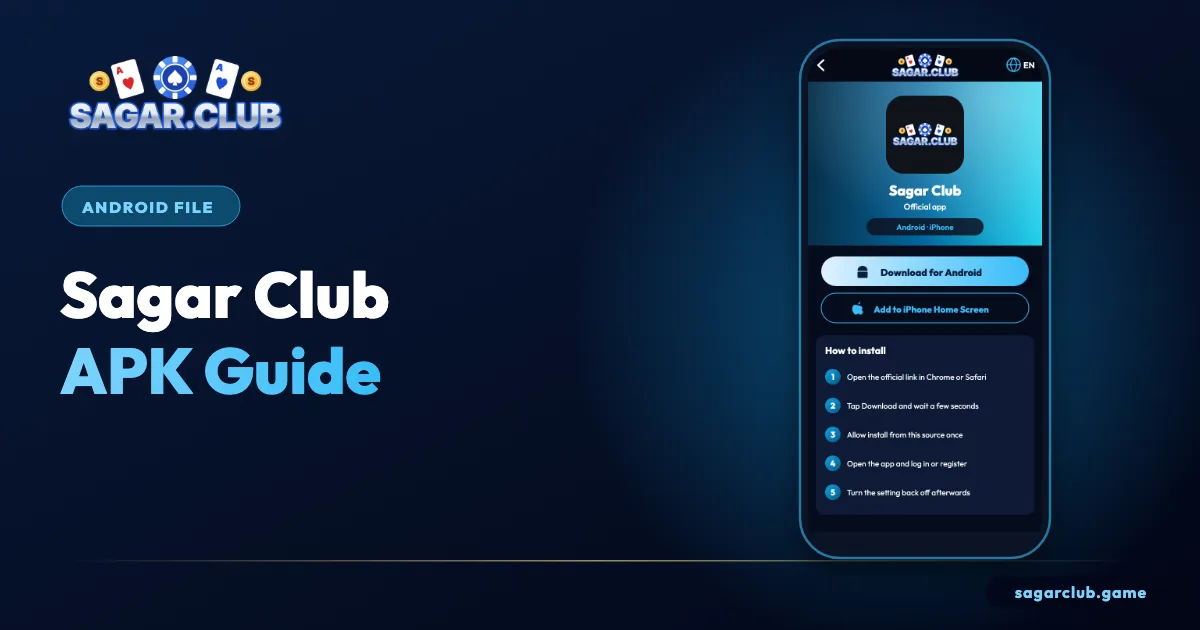
The APK is the Android installer for Sagar Club. Here’s how to make sure you have the real one – and what to do if you don’t.
Sagar Club 2026 · Adults 18+ only · Updated October 2026
Quick answer
The real Sagar Club APK comes only from the official site, asks only for internet and notifications, and never needs SMS, contacts or accessibility permissions.
On this page
- Telling the real APK from a fake
- Android warnings, decoded
- Updating the APK
- If you installed a fake
- Why permissions are the best fake-detector
- Why ‘mod’ APKs can’t do what they claim
- Where the APK goes after downloading
- When Play Protect warns you
- Checking which version you have
- Sagar Club APK safety at a glance
- FAQs
— REAL VS FAKE
Telling the real APK from a fake
Five quick checks.
| Check | Real | Fake |
|---|---|---|
| Source | Official site | Forward, video link, ‘mod’ site |
| Name | Sagar Club | Pro, Mod, Hack, VIP |
| Permissions | Internet, notifications | SMS, contacts, accessibility |
| Promises | None | Predictions, unlimited rewards |
| Price | Free | Asks for payment |
— WARNINGS
Android warnings, decoded
Generic messages – the source is what matters.
Chrome warns that ‘this type of file can harm your device’ for every APK. Android blocks installs from Chrome until you allow it. Play Protect may show ‘unsafe app blocked’ for apps it hasn’t seen widely. None of these is a verdict on Sagar Club specifically – they ask you to confirm you trust the source. Continue only when the file came from the official site.
— UPDATES
Updating the APK
In-app prompt, or the newest official file over the old one.
When an update is available, the app shows a prompt. Tap it, or download the latest APK from the official site and install it over the existing app – your login stays. Never ‘update’ from a link in a message or video; that’s the classic route for fakes.
— CLEAN-UP
If you installed a fake
Five steps, in order.
- Uninstall the suspicious app.
- Check Settings → Security for unfamiliar device-admin or accessibility apps.
- Run a Play Protect scan.
- Install the official app and change your password.
- Change any other account that used the same password.
— PERMISSIONS
Why permissions are the best fake-detector
One screen tells you almost everything.
Before Android installs any app, it lists what the app wants to access. The real Sagar Club app needs internet access to load games and, optionally, notifications for alerts. It has no reason to read your SMS, see your contacts, record the screen or use Accessibility services. Fake and modified apps almost always ask for at least one of those, because that’s how they steal codes and passwords.
If you’re ever unsure, stop at the permissions screen. Cancelling costs nothing; installing a fake can cost you your account and more.
— MOD MYTH
Why ‘mod’ APKs can’t do what they claim
Results don’t live on your phone.
Mod APKs promise predictions, guaranteed results or unlimited rewards. None of that is possible, because results are decided on Sagar Club’s servers, not inside the app on your phone. Changing the app can change what you see, but never what actually happens. The only thing a mod reliably does is collect whatever you type into it.
— FILES
Where the APK goes after downloading
And why you should delete it.
When Chrome downloads the Sagar Club APK, it saves it in your Downloads folder. After the app is installed, that file serves no further purpose – the installed app is what you use. Leaving old APK files lying around isn’t dangerous in itself, but it makes it easy to accidentally install an outdated version later, or to confuse it with a file from somewhere else. Open the Files app, go to Downloads and delete it once installation is complete.
If you ever need to reinstall, download a fresh copy from the official site instead of reusing an old file.
— PLAY PROTECT
When Play Protect warns you
Read the message, then decide.
Google Play Protect scans apps installed from outside the Play Store. For apps it hasn’t seen often, it may show a warning such as ‘unsafe app blocked’ or ‘app not commonly downloaded’. This is a general caution, not a specific finding about Sagar Club. If you downloaded the file yourself from the official site, you can choose More details and continue. If the file came from a chat forward, a video description or any other site, cancel and start again from the official source.
Never disable Play Protect entirely to install anything. Tapping through a single warning for a file you trust is very different from switching off your phone’s protection for good.
— VERSIONS
Checking which version you have
Useful when talking to support.
You can see the installed version in Settings → Apps → Sagar Club → App details. Support may ask for this number when you report a problem, and it’s the first thing to check if a feature in our guides looks different on your screen.
— RECAP
Sagar Club APK safety at a glance
Four checks, every time.
Before installing any Sagar Club APK, run four quick checks. Where did it come from? Only the official site counts. What is it called? ‘Mod’, ‘Pro’, ‘Hack’ or ‘VIP’ in the name means fake. What permissions does it want? Anything beyond internet and notifications is a red flag. What does it promise? Predictions or guaranteed results are impossible. If a file fails any one of these checks, cancel the installation. If you’ve already installed something suspicious, uninstall it, scan with Play Protect, reinstall from the official site and change your password straight away.
Open Sagar Club the right way
Use the official app or website – one Sagar Club account works on every device.
— FAQ
Frequently asked questions
Is the Sagar Club APK safe?
The one from the official site is.
Can a mod APK change results?
No – results are decided on the server.