
Sagar Club Change Password
Already logged in? Changing your password takes under a minute – and it’s the fastest way to lock out anyone who shouldn’t be there.
Sagar Club 2026 · Adults 18+ only · Updated October 2026
Quick answer
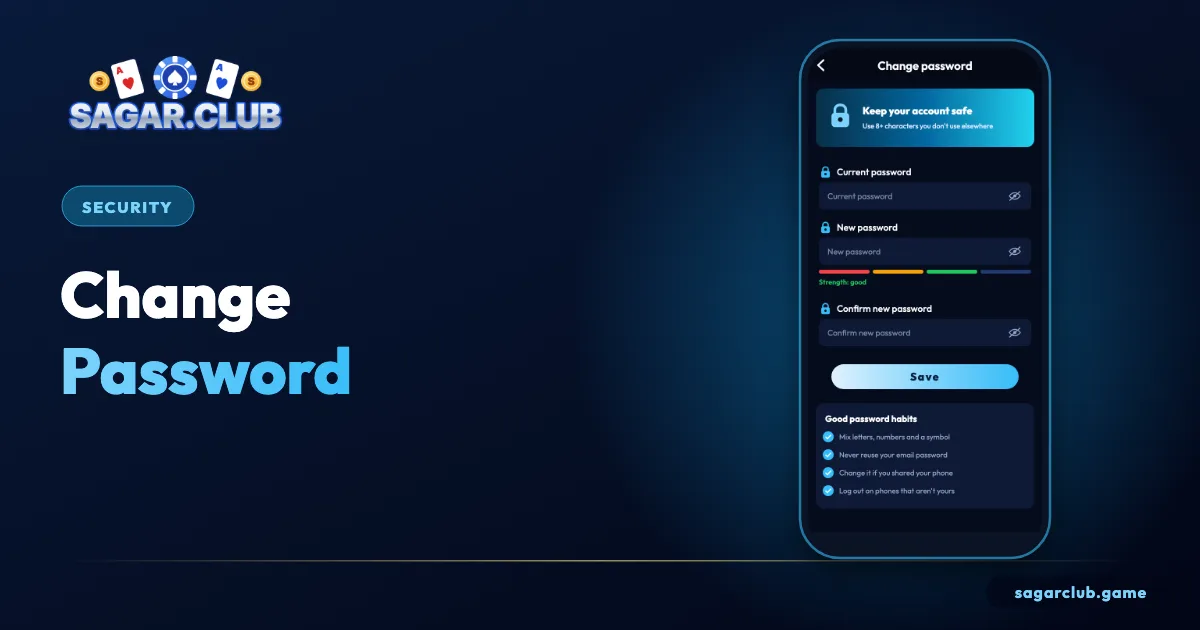
Account → Change password → current password → new password twice → Save. Every other device is signed out immediately.
On this page
— STEPS
The change-password screen
Four numbered areas.
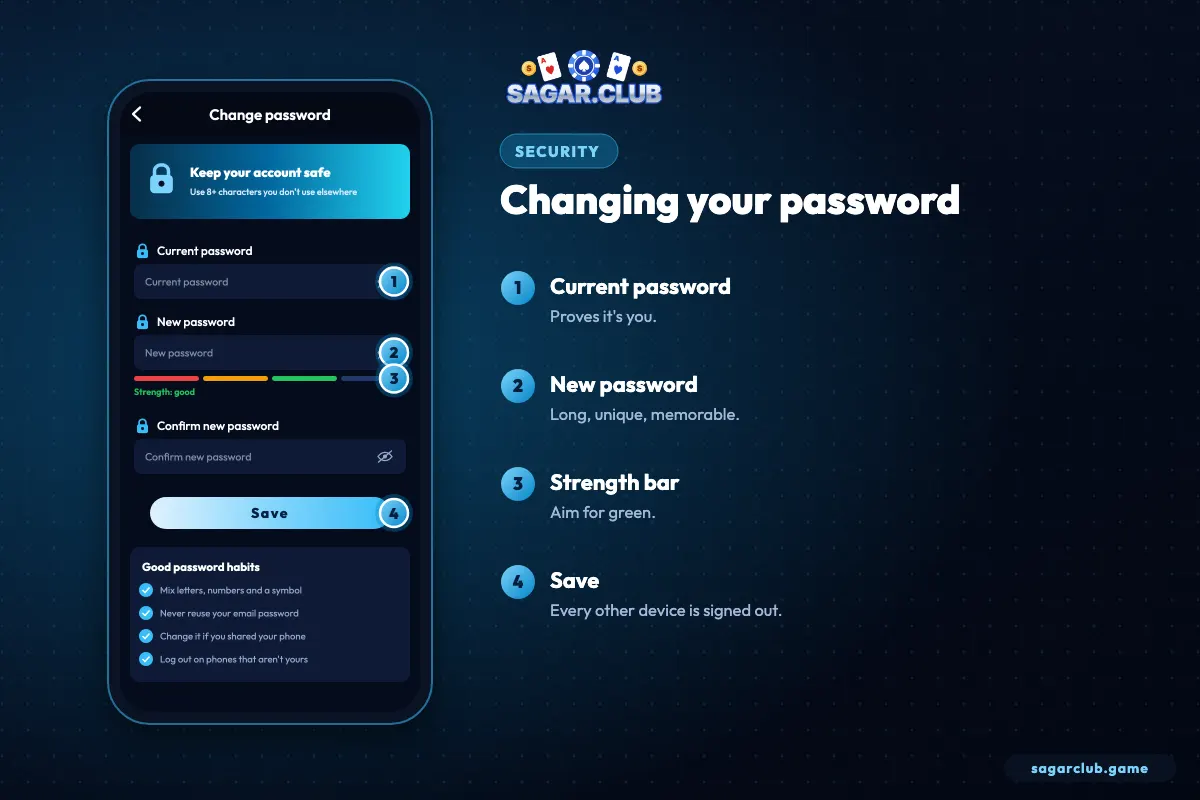
- Enter your current password.
- Type a new one.
- Watch the strength bar turn green.
- Tap Save.
— WHEN
When to change it
Urgency guide.
| Situation | When |
|---|---|
| Unknown login alert | Now |
| Typed it on a suspicious link | Now |
| Used a shared computer | Today |
| Reused it elsewhere | Today |
| No reason | Keep a strong one |
— STRENGTH
What the strength bar is measuring
Length matters most.
The strength indicator rewards length and variety. A 20-character passphrase of plain words will usually beat an 8-character mix of symbols. Avoid anything connected to you – names, dates, your number – and never reuse a password from another site or app.
After you save, every other device is signed out. That’s deliberate: if anyone else had access, they lose it the moment you change the password. Sign back in on your own devices with the new one.
— STORAGE
Where to keep it
Not in a screenshot.
- Your phone’s built-in password manager – good.
- A notebook kept at home – fine.
- A screenshot in your gallery – risky; galleries sync and get shared.
- A chat message to yourself – risky.
— ROUTINE
Do you need to change it regularly?
Not if it’s strong and unique.
Old advice said to change passwords every few months. Modern guidance is different: a long, unique password that hasn’t leaked doesn’t need changing on a schedule, and forced changes often lead people to choose weaker passwords. Change your Sagar Club password when there’s a reason – an unrecognised login alert, a suspicious link you typed it into, a shared computer you forgot to log out of, or news that another site where you used the same password was breached.
If none of those apply and your password is long and used nowhere else, you can leave it alone.
— DEVICES
Signing back in everywhere
A quick checklist.
After saving a new password, every other session ends. Go through your devices one by one: your phone app, any iPhone home-screen app, and any laptop browser you use. Sign in with the new password and let each device’s password manager update its saved copy. If a device you don’t recognise was logged in before, the change has already kicked it out – now is a good time to check login security and bind an email if you haven’t already.
— MISTAKES
Common mistakes when changing passwords
Easy to avoid.
The most common mistake is changing to a slight variation of the old password – adding a number or swapping a letter. If the old one was compromised, a near copy offers little protection. The second is typing the new password once in a hurry and mistyping it; always use the eye icon to check before saving. The third is reusing a password from another app. Give Sagar Club a password of its own.
— RECAP
Changing your password – checklist
Five points.
Open Account → Change password, type your current password, then a new long passphrase twice and tap Save. Make sure the new one isn’t a slight variation of the old one and isn’t used on any other site or app. Expect every other device to be signed out, then sign back in on your own devices one by one. Store the password in your phone’s password manager rather than in a screenshot or chat message. Change it whenever there’s a reason – an unfamiliar login alert, a suspicious link, a shared computer or a breach elsewhere – rather than on a fixed schedule.
Open Sagar Club the right way
Use the official app or website – one Sagar Club account works on every device.
— FAQ
Frequently asked questions
Do I need an OTP?
No – just your current password.