
Sagar Club App vs Website
Same account, same games – but the app and the website feel different day to day. Here’s how to choose.
Sagar Club 2026 · Adults 18+ only · Updated October 2026
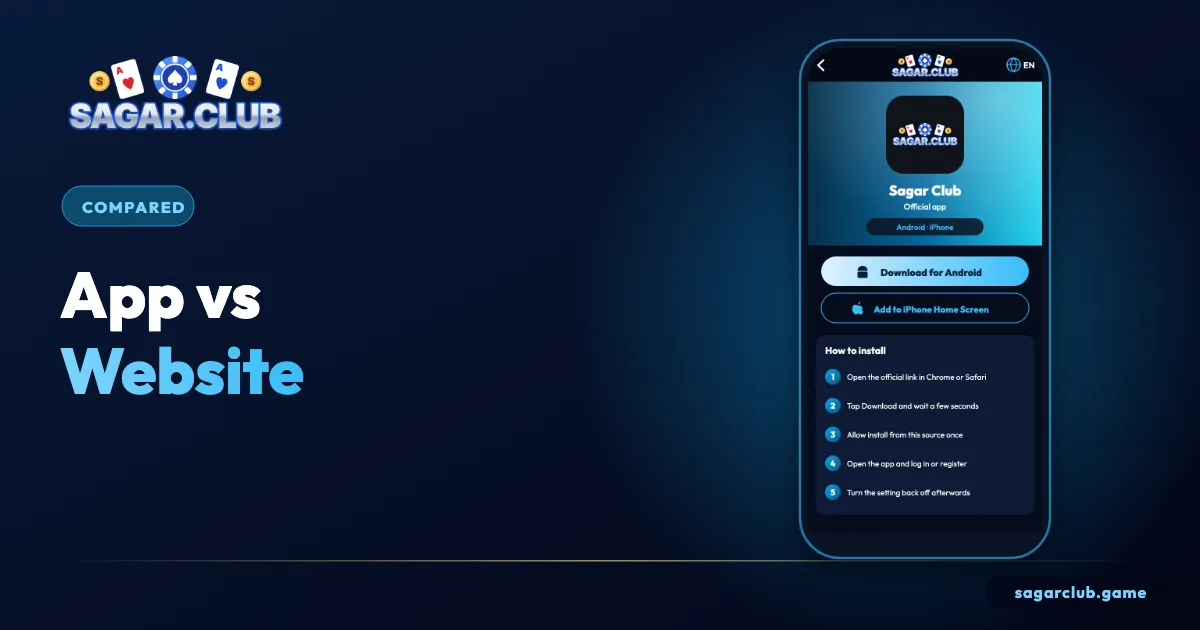
Quick answer
Use the Android app or the iPhone home-screen app on your own phone for speed and alerts; use the website on laptops and shared devices.
On this page
— COMPARE
Side by side
Practical differences.
| App | Website | |
|---|---|---|
| Speed | Faster after first load | Depends on browser |
| Notifications | Yes | Limited |
| Stays logged in | Yes | Depends on cookies |
| Storage | Small install | None |
| Fake risk | Only from mod APKs | From look-alike links |
— CHOOSE
Which to choose
By situation.
| Situation | Use |
|---|---|
| Your own Android phone | App |
| Your own iPhone | Home-screen app |
| Laptop | Website |
| Borrowed device | Website, private window |
— BOTH
Using both
One account, two doors.
Plenty of people use the app on their phone and the website on a laptop. That’s fine – it’s one account. Just remember that a new login can end the older session, and log out of the website on any computer you share. If you only ever use one device, the app is the smoother choice.
— SPEED
Which is faster?
Usually the app.
After the first launch, the Android app and the iPhone home-screen app open faster than the website in a browser tab, because they keep more of the layout stored on your phone and skip the browser’s address bar and tabs. On a laptop with a good connection, the website is fast too. On slow mobile data, the app usually feels smoother, especially in lottery rooms.
If speed matters to you, use the app on your phone and keep at least a little free storage so it isn’t squeezed.
— SAFETY
Which is safer?
Both, if used correctly.
The installed app protects you from look-alike websites because you never type or tap an address. The website protects you from fake apps because there’s nothing to install. Each has one main risk: for the app, installing a modified APK; for the website, opening a copycat link. Avoid those, and both are equally safe. On shared or borrowed devices, the website in a private window is the better choice because nothing stays behind after you log out.
— OUR PICK
Our recommendation
Simple rule.
On your own phone: the app (Android) or home-screen app (iPhone). On a laptop: the website from a bookmark. On anyone else’s device: the website in a private window, logging out afterwards. One account works across all three.
— RECAP
App or website – recap
Pick by device.
The Android app and the iPhone home-screen app are faster after the first launch, keep you logged in and support notifications, which makes them the best choice on your own phone. The website needs no installation and leaves nothing behind when used in a private window, which makes it ideal for laptops and borrowed devices. Each has one risk to avoid: modified APKs for the app and look-alike links for the website. Use official sources and bookmarks, and both are equally safe. Your account, history and rewards are identical whichever you choose.
Whichever you pick, your Sagar Club account, history and rewards stay the same.
Open Sagar Club the right way
Use the official app or website – one Sagar Club account works on every device.
— FAQ
Frequently asked questions
Is the website safe?
Yes, from the official address or a bookmark.
Does my history appear on both the app and the website?
Yes. History, VIP level, check-in streak and settings belong to your account, so they’re the same everywhere you log in.
Can I be logged in on the app and the website at once?
Sometimes, but a new login may end an older session. That’s a security feature, not a fault – simply log in again where you’re playing.