
Sagar Club Account Safety Checklist
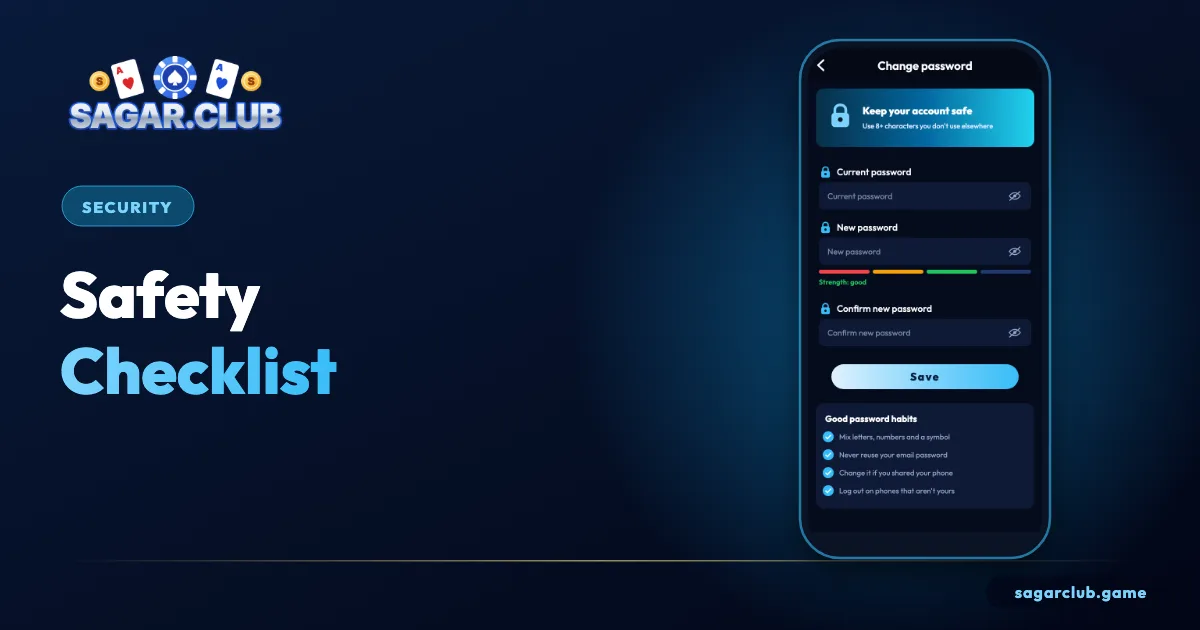
Ten minutes, ten checks. Do them once and your Sagar Club account is far harder to take over.
Sagar Club 2026 · Adults 18+ only · Updated October 2026
Quick answer
Unique password, email bound, login alerts on, SIM PIN set, official app only, never share an OTP.
On this page
— LIST
The checklist
Tick each one.
- Password used nowhere else.
- Email bound.
- Login alerts on.
- SIM PIN set.
- Official app or bookmark only.
- No mod APKs installed.
- Nickname isn’t your real name.
- Logged out on shared devices.
- UID written down.
- You know: never share an OTP.
— BREACH
After a suspicious login
Act in order.
- Change password.
- Check devices.
- Contact support.
— WHY
Why each check matters
In one line each.
| Check | Why |
|---|---|
| Unique password | Leaks elsewhere can’t reach you |
| Email bound | Backup way in |
| Alerts | You see intruders at once |
| SIM PIN | Blocks SIM theft |
| Official app | No fake pages |
— ORDER
Doing the checklist in the right order
Fix the biggest risks first.
If you can only do part of the checklist today, start with the items that block the most common attacks. First, make sure your password is unique and strong – that alone defeats reused-password attacks. Second, commit to never sharing an OTP – that defeats the ‘support call’ scam. Third, only open Sagar Club from the app or a bookmark – that defeats fake login pages. Binding an email, turning on alerts and setting a SIM PIN come next, and together they make recovery easy if anything does go wrong.
The remaining items – nickname, logging out on shared devices, noting your UID – take a minute each and round things off.
— FAMILY
Helping a family member
Do it together.
If a parent or relative uses Sagar Club, sit with them and go through the checklist on their phone. Many account takeovers affect people who aren’t confident with phone settings and trust callers who sound official. Explain the OTP rule clearly: no genuine person or company will ever ask them to read out a code. Write it on a note near their phone if it helps.
— REVIEW
Reviewing every few months
Things change.
Phones get replaced, numbers change and email addresses fall out of use. Every few months, run through the checklist again and update anything that’s drifted.
— RECAP
The checklist – recap
Ten checks, ten minutes.
A unique passphrase. A bound email you actually use. Login alerts switched on. A SIM PIN and a phone screen lock. Sagar Club opened only from the app or a bookmark. No modified APKs on your phone. A nickname that reveals nothing about you. Logged out on every shared device. Your UID written down. And the golden rule: never share an OTP with anyone. Do the biggest risks first, help family members do the same on their phones, and review the list every few months. Ten minutes now can save days of trouble later.
Open Sagar Club the right way
Use the official app or website – one Sagar Club account works on every device.
— FAQ
Frequently asked questions
How often should I review this?
Every few months.
Which checklist item matters most?
Never sharing an OTP and using a unique password block the most common takeovers. Start with those two.
Should I use the same password as my email?
No. If your email password ever leaks, a matching Sagar Club password would fall too. Keep them separate.