
Sagar Club Customer Service
Sagar Club support is inside the app. A clear first message – UID, error, screenshot – gets the fastest answer.
Sagar Club 2026 · Adults 18+ only · Updated October 2026
Quick answer
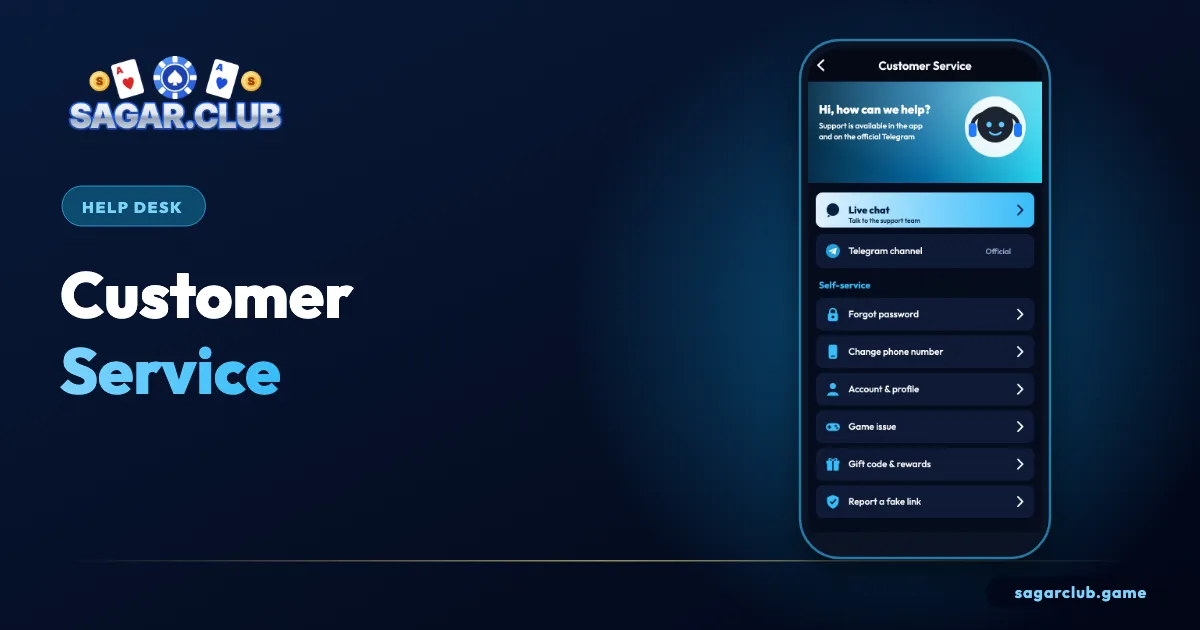
Open Account → Customer service and start live chat. Send your UID, the exact error message, when it began, your device and a screenshot. Never share your password or OTP.
On this page
— SCREEN
The support screen, marked up
Four areas.
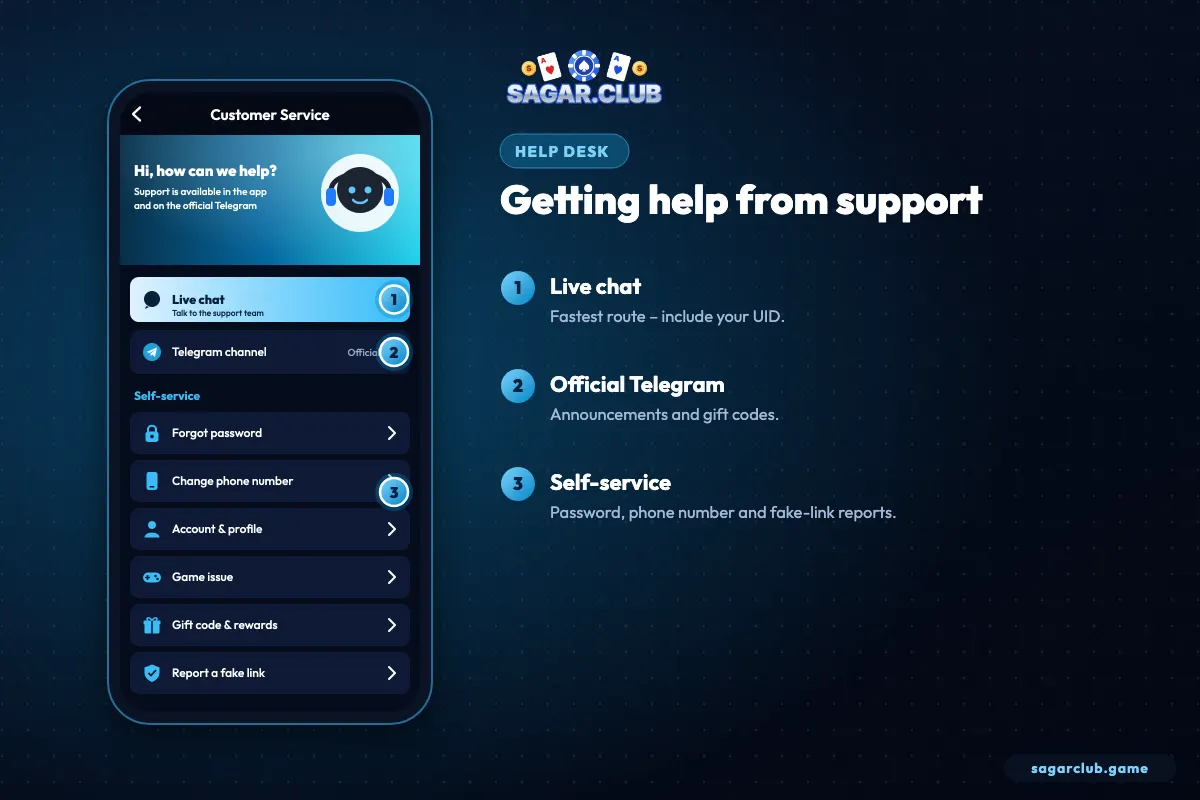
- Live chat.
- Self-service topics.
- Official Telegram.
- Ticket history.
— MESSAGE
Writing a message that gets answered
Five things to include.
- Your UID.
- The exact error text.
- When it started.
- Phone model and app version.
- A screenshot (crop your number).
— LIMITS
What support can and can’t do
Expectations.
| Request | Possible? |
|---|---|
| Explain errors | Yes |
| Lift security holds | Yes, after checks |
| Move to a new number | Yes, after verification |
| Tell you your password | No |
| Change a result | No |
| Ask for your OTP | Never |
— FAKES
Fake support
How to spot it.
- Messages you didn’t start, on WhatsApp or Instagram.
- Requests for your OTP or password.
- Links to ‘verify’ your account.
— RESPONSE
How long replies take
And how to speed them up.
Live chat is usually the fastest route, especially for simple questions. Account reviews and number changes take longer because they involve checks. Sending one complete message – UID, error, time, device, screenshot – avoids back-and-forth and gets a resolution sooner than several partial messages.
— EXAMPLES
Example messages that work
Copy the structure.
A clear message saves everyone time. For example: ‘UID 1234567. Since 8 pm today, login shows Network error on Wi-Fi and mobile data. Android 13, app version 1.4.2. I’ve restarted and updated. Screenshot attached.’ Or: ‘UID 1234567. Question about period 20261022100245 in WinGo 3-minute. Screenshot of my history row attached.’ Each includes who you are, what happened, when, on what device, and what you already tried.
Compare that with ‘login not working pls help’ – support would have to ask four follow-up questions before starting.
— TONE
Staying calm and patient
It speeds things up.
When something goes wrong with an account, it’s natural to feel frustrated. But sending many messages, opening multiple tickets or writing in capitals tends to slow things down, because each new ticket goes to the back of the queue. Send one complete message, then wait. If you need to add something, reply in the same conversation.
— RECORDS
Keeping your own records
Screenshots and notes.
Keep a short note of when you contacted support, what you sent and any ticket number you received. Screenshot important replies. If an issue takes several days, a clear record makes follow-ups easy and avoids repeating the whole story.
— RECAP
Customer service – recap
One clear message.
Reach Sagar Club support through Account → Customer service inside the app, where live chat is usually fastest. Send one complete message with your UID, the exact error text, when it started, your phone model and app version, what you’ve already tried and a screenshot with personal details cropped out. Then wait for a reply in the same conversation rather than opening new tickets. Support can explain errors, review holds and help move your account to a new number, but can’t reveal passwords or change results. Real support never asks for your OTP and never contacts you first on WhatsApp or Instagram.
Open Sagar Club the right way
Use the official app or website – one Sagar Club account works on every device.
— FAQ
Frequently asked questions
Does Sagar Club have phone support?
Support is via in-app chat.
Will support ask for my OTP?
Never.
How do I find my UID for support?
Open the Account page; your UID is shown near the top under your nickname. Copy it into your first message so support can find your account immediately.
Can I contact Sagar Club support by phone or WhatsApp?
Use the live chat inside the app. Real support doesn’t start conversations with you on WhatsApp or Instagram, and never asks for your password or OTP.